GitHub Profile README Generator - A mini Case Study
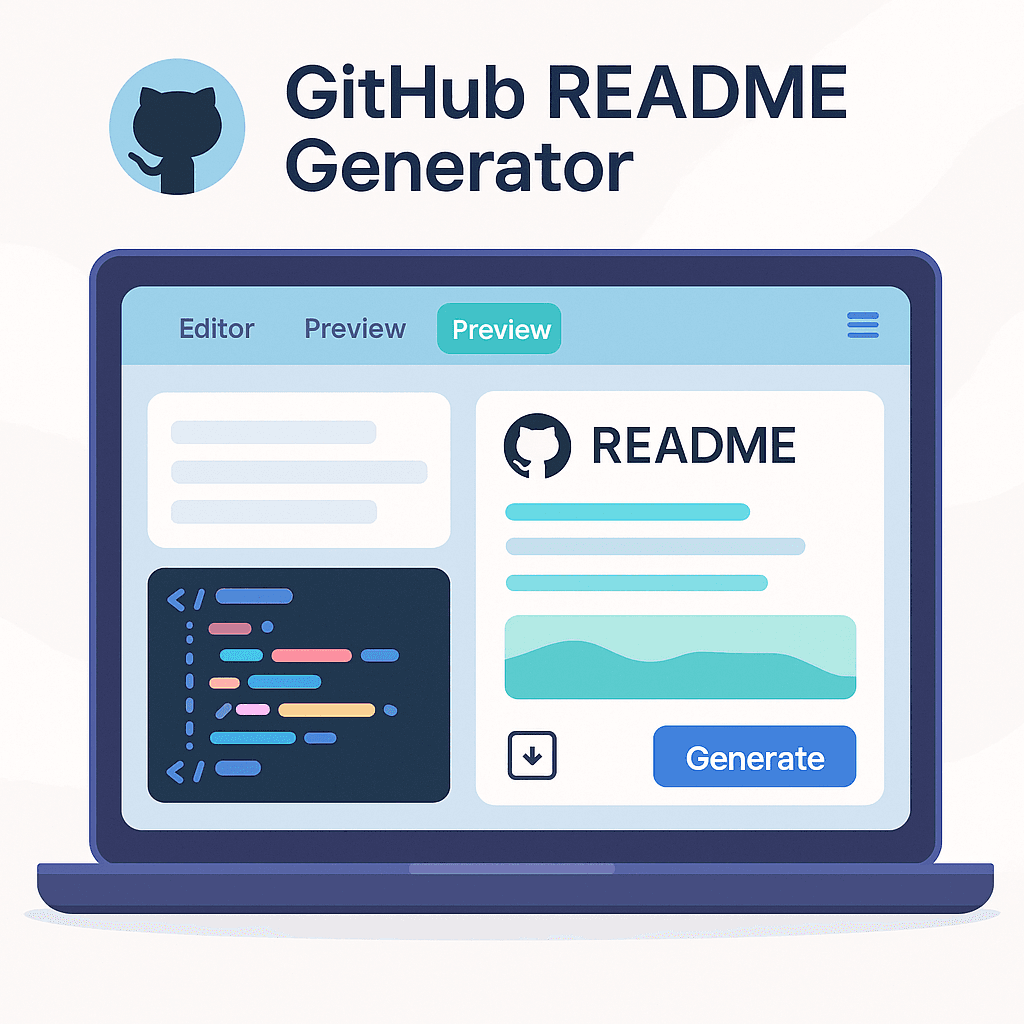
A visual, real-time editor for designing professional GitHub profile READMEs.
Introduction
I built a fully client-side GitHub Profile README Generator to make it easy for developers to create beautiful GitHub profiles without manually writing markdown. The tool includes live preview, categorised skills, export options, and an intuitive form-based editor.
Role: Full-Stack Developer (solo)
Timeline: 1 week
Tech: React 18, TypeScript, Vite, TailwindCSS, shadcn/ui
Live Demo: https://readmegen.abdultalha.tech/
Github Repo: https://github.com/abdultalha0862/github-readme-generator
The Problem
Creating a standout GitHub profile is surprisingly tedious:
Writing and formatting markdown manually
Finding icons and GitHub stats widgets
No instant preview
No structured way to organise skills or projects
I wanted a tool that solves these real frustrations for developers.
The Solution
A visual GitHub Profile README Generator with real-time preview and multi-format export.
Key Features
6 Content Sections: Basic info, Work, Skills (200+), Stats, Contact, Projects
Live Markdown Preview: See changes instantly
4 Export Formats: Markdown, HTML, PDF, Text
Auto-Save: Saves progress every 3 seconds
Skill Icon Library: 200+ technology icons across 10 categories
Technical Architecture
Frontend Stack
React + TypeScript: Strong typing and modular components
Vite: Lightning-fast dev environment
shadcn/ui + Radix: Accessible, modern UI components
TailwindCSS: Rapid UI styling
Key Engineering Decisions
100% client-side (no backend or server costs)
LocalStorage persistence
Memoised preview for smooth performance
Export pipeline built for Markdown → HTML → PDF
Core Implementations
Real-Time Preview
Optimized with useMemo, useCallback, and controlled components.
Skill Categorisation
200+ skills grouped into 10 categories with Devicons CDN for reliable icons.
Export System
Markdown generator
HTML template
PDF via jsPDF (HTML → PDF)
Clean TXT export
Auto-Save
Saved every 3 seconds using LocalStorage with error handling.
Testing
Developed a robust test suite with Vitest + React Testing Library:
Unit tests for generators
Component tests for forms and preview
Integration tests for the full edit → preview → export workflow
Challenges & Solutions
🔹 Performance with large content
Fix: Memoisation + debouncing + component splitting.
🔹 PDF formatting issues
Fix: Convert markdown → HTML → jsPDF to maintain structure.
🔹 Icon management for 200+ skills
Fix: Dynamic icon mapping with fallback URLs and caching.
Results
| Metric | Outcome |
| Page load time | < 2s |
| Supported skills | 200+ |
| Export options | 4 formats |
| UI Components | 26 |
| Backend | None |
Users reported saving 20–30 minutes compared to manual README creation.
What I Learned
High-performance React apps require strategic memoisation
Tailwind + shadcn/ui accelerates UI development without losing control
File export pipelines require careful formatting
Tests are essential for confidently adding new features
Future Enhancements
One-click templates
Undo/redo
Import existing README
Advanced theming
AI-powered content suggestions
GitHub API integration for direct publishing
Call To Action (CTA)
If you want to:
build a modern React application like this,
collaborate on open-source developer tools,
or hire me to create high-performance front-end experiences…
Let’s connect!
📧 Email: abdul@abdultalha.tech
🌐 Portfolio: https://abdultalha.tech/
💼 LinkedIn: https://www.linkedin.com/in/abdul-talha/
⭐ GitHub: https://github.com/abdultalha0862
If you found this project interesting,
⭐ Star the repository on GitHub — it genuinely helps!




